
Trade accounts
Built for glaziers, installers and shopfitters who order regularly. Trade pricing, credit terms and a faster path from spec to reorder. Free to apply, no minimum spend.
Already have one? Sign in to your trade portal for orders, quotes, statements and quick order. Building, specifying or developing? Start a project conversation.
Supplying a project? Talk to us
- Call us020 7751 0011Fulham: Mon–Fri 08:00–17:00Call now
- Email usinfo@sw-glass.co.ukAttach photos, drawings or a list of sizes.Write to us
- Start a projectSeven short steps, with a rough price for standard items.Rough quantities, drawings and your programme.Start now
Send us your drawings
PDF, JPEG or PNG. An email or a phone number is enough; we reply within one working day.
We deliver across the UK
In London, delivery is on our own vans.
Delivery for your area is confirmed when you order. Ask us if you want to know before you order.
What a trade account gets you, and where to see it
Each benefit is something you can check on the site or in your account.
Ex-VAT pricing
Signed in to a trade account, prices show without VAT by default; anyone can switch the display, and every document shows net, VAT and total.Trade and VAT questionsPay on account, subject to credit
Credit is a separate application. A manager reviews every one, and once it is approved you choose Pay on account at checkout.The credit applicationA wallet card
A card for your phone wallet with your name, account number and a barcode to scan at the counter. No balance printed on it, no annual fee.One trade price book
Every trade account prices through the trade book automatically. Where a price for your account has been agreed, it applies on its own, with no codes to remember.Own vans, own drivers
Our own vans and our own drivers, no couriers throwing glass. Damaged in transit? We remake it, free.Delivery and collectionOrders, quotes and statements in one place
The trade portal lists your orders, quotes and monthly statements, with quick order by code or CSV and saved lists for repeat jobs.Sign in to the portal
Work we have made
From our own project showcase.
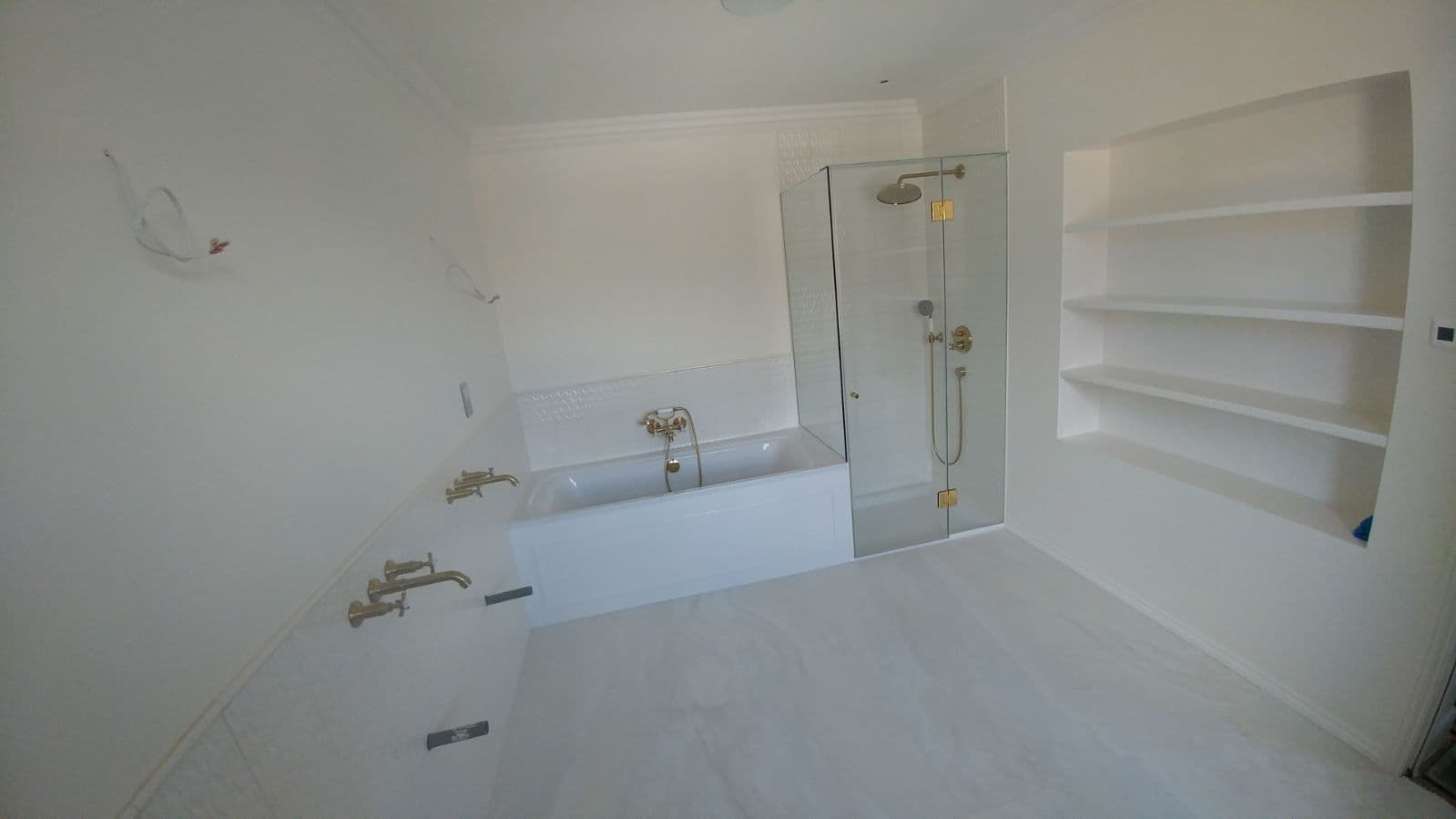 Shower enclosures & screensFrameless enclosures, hinged doors and over-bath screens, cut to the room rather than to a catalogue size.Bathrooms are rarely square. A screen bought off a shelf assumes a level floor, a plumb wall and a right angle in the corner, and an older house rarely offers any of the three.See the project
Supplying a bigger project? See all our work or send us the drawings for a quote.
Questions we get asked
How do I open a trade account?
Apply on our trade page. It is free to apply and there is no minimum spend. See trade accounts for what you need.
Do I get credit with a trade account?
Credit is a separate application from the trade account. A manager reviews every credit application, and once it is approved you choose Pay on account at checkout.
Do trade prices show with or without VAT?
Signed-in trade customers see prices without VAT by default, and anyone can switch the display. Every document shows the net amount, the VAT and the total.
What is the wallet card?
A card for your phone wallet with your name, account number and a barcode to scan at the counter. Balances are never printed on it, and there is no annual fee.